
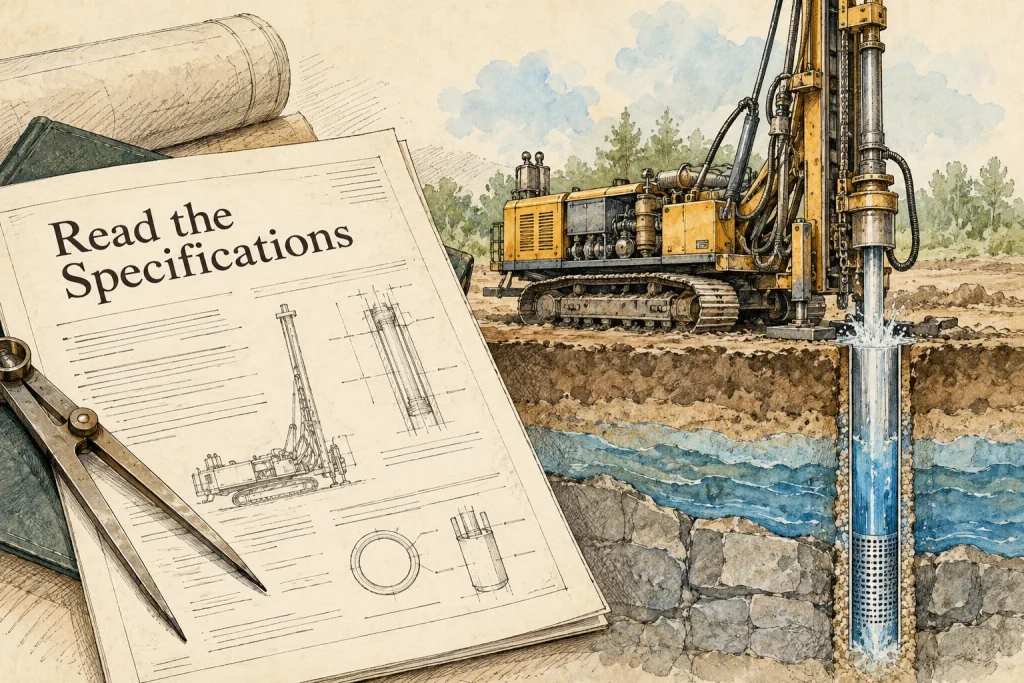
Compare water well drilling rig specifications against the same task and configuration before comparing the numbers. Depth, diameter, torque, rotary speed, lifting, rod handling and transport fields describe different parts of the equipment. Their meaning depends on units, operating conditions and the exact model being offered.
A useful comparison explains what each field helps you assess and what remains unknown. It does not add the largest values from different rows into an imagined machine that delivers every maximum simultaneously. This guide gives buyers a practical way to read the specification, preserve its conditions and request a technically comparable offer.
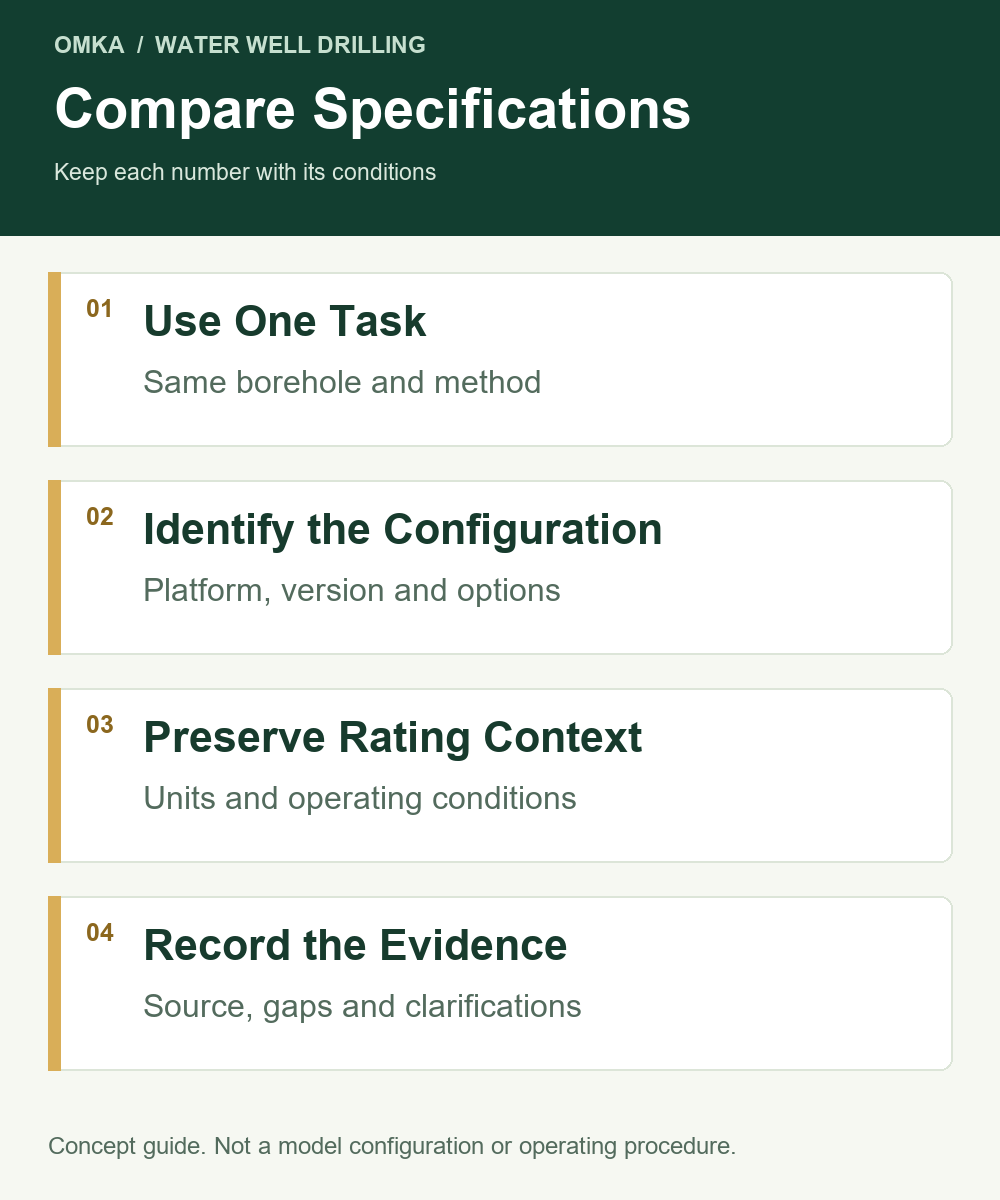
Start With the Same Water Well Drilling Task
Define the target borehole, planned diameter, available formation information and intended drilling method. Record the site and any relevant existing equipment. These inputs form the common task against which the machines are reviewed.
Without that common task, a specification comparison can reward a number that does not address the project. A larger listed diameter, for example, does not explain the selected tool, circulation package or handling arrangement. Identify the required task first, then ask which configuration is being assessed for it.
Keep the platform and equipment version in the comparison heading. A shortened model name may appear in more than one equipment category. An engine option or accessory configuration may also change the offered unit. Complete identification is therefore part of the technical comparison rather than a small administrative detail.
The project brief should distinguish confirmed information from assumptions. A supplier can assess a stated assumption, but the buyer should not mistake that assessment for confirmation of unknown ground or a finished well design.
Compare the Main Specification Groups
Depth and Hole Diameter
Listed depth and diameter provide an initial description of the advertised range. Read them together with the method, tools and configuration information. A maximum depth is not an unconditional guarantee for every diameter or formation.
The planned borehole also needs a clear definition. A final casing size and a drilling diameter answer different questions. Where the well has different hole sections, a single diameter may not describe the whole task. The equipment review should use the relevant design information.
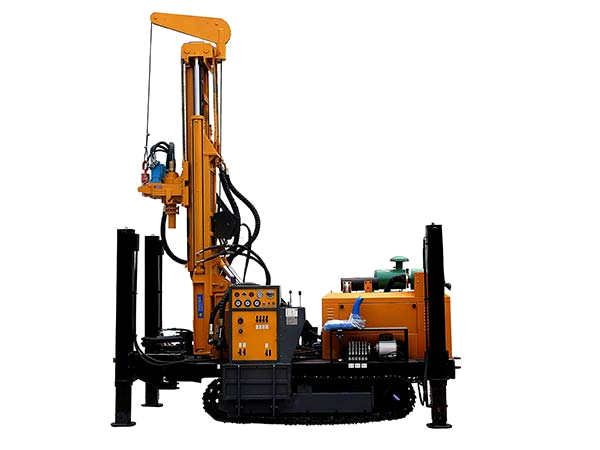
For example, the crawler MK300 source lists a 300 m depth and a 104–325 mm hole-diameter range. Those figures identify catalogue fields for that documented machine. They do not establish that every combination within the range will produce the same performance.
Torque and Rotary Speed
Torque describes turning capability, while rotary speed describes rotation rate. Both matter to the selected tools and method, but they are not interchangeable measures of a machine’s suitability.
Some specifications list ranges or multiple values. Determine which operating modes or conditions those values describe. Unless the documents establish the relationship, do not assume maximum torque is available at maximum rotary speed.
A comparison should therefore ask for relevant operating information rather than rank machines by whichever individual number looks largest. This is particularly important when the values come from different drive arrangements or configuration versions.
Feed, Pullback and Rod Handling
Feed, lifting and handling fields describe movement and management of the drilling assembly. Read them with mast travel, rod lengths, connections and the intended working arrangement. A high lifting figure cannot answer whether the proposed rods and handling accessories suit the configuration.
Different catalogues may use different labels. “Advance length,” “feed stroke” and similar descriptions should be checked against the actual equipment documents before they are treated as identical fields. The same applies to the conditions attached to lifting values.
Rod handling also involves practical scope. Determine which clamps, winches or other agreed items are included and how the supplied arrangement is documented. A capability mentioned in the catalogue does not automatically establish that all necessary options are in the offer.
Air or Fluid Requirements
The supporting system should be described for the planned method and tools. Air pressure and flow, or pump flow and pressure, need relevant conditions and units. A general air range in a rig table is not a completed compressor-selection assessment.
Read the exact hammer or tool documents alongside the rig information. Then identify the auxiliary equipment and connections proposed. This connects the specification to a real package rather than leaving circulation as an undefined extra.
Dimensions, Weight and Transport
Dimensions and weight help plan transport and access, but the state of the equipment matters. Transport, working and packed arrangements can differ. The comparison should say which state a figure describes.
The complete package may include a compressor, rods, tools and other items that are not included in the machine’s listed weight. A rig-only transport comparison can therefore miss an important part of the purchase.
Understand What a Listed Capacity Does and Does Not Show
A specification table is a summary. It cannot always explain every condition behind a value or every version of the offered equipment. Use it to identify the next document needed, rather than force it to answer questions it does not contain.
Capacity fields should also be kept separate from performance promises. An advertised penetration-rate range does not establish the completion time for an unassessed site. Formation, tools, handling, circulation and other project conditions remain relevant.
Similarly, engine power describes a power rating, not a single score for the whole drilling system. It does not replace rotary operating information, lifting conditions or a circulation assessment. The buyer needs to understand where power is used and what functions are available in the actual configuration.
A reliable comparison allows an explicit “not established” result. If a catalogue omits the relationship between two ratings, the correct next step is to request it. Guessing that relationship may create a precise-looking table with a weak technical basis.
Check Units, Model Variants and Configuration Versions
Units should be visible beside every value. Pressure, force, torque, speed, length, mass and flow are different quantities. Copying them into one spreadsheet without their units makes later errors harder to detect.
Legacy lifting tables sometimes use “T” or “ton” without a complete definition. Preserve the original label and clarify what it means before making engineering calculations or claims. Do not silently treat an ambiguous field as a fully defined force rating.
For airflow, the units alone are insufficient. The rating basis and corresponding pressure must also be clear. Converting a value between measurement systems does not confirm how the original capacity was measured.
Model identity needs the same care. The available crawler MK300 and truck-mounted MK300 records have different parameter sets. Their shared name is not a reason to merge the rows. Keep the category, platform, source version and offered configuration beside the model designation.
Options should be shown separately from included equipment. A catalogue can list several possible rod lengths, engines or accessories without supplying them together. Comparing possible choices with another supplier’s fixed offer creates a misleading result.
Use a Parameter Table That Preserves Context
A practical worksheet should include the original field, published value and unit, applicable configuration, stated condition and source. Add a final column for what still needs to be resolved. That structure retains evidence as the comparison grows.
Swipe or scroll the table to compare all columns.
| Specification Group | What to Record | Question to Resolve |
|---|---|---|
| Depth and diameter | Original fields and planned borehole | Which conditions apply to the proposed task? |
| Torque and speed | Values and relevant operating information | How do the operating points relate? |
| Feed and lifting | Original labels and conditions | What assembly and task are being assessed? |
| Rod handling | Length, travel and supplied arrangement | Which tools and handling items are included? |
| Circulation | Method, tool and supporting-equipment fields | What duty and rating basis apply? |
| Transport | Dimensions, weight and equipment state | What belongs to the complete shipment? |
The worksheet should not hide missing information by inserting a guessed value. A blank or unresolved field is useful when it identifies the next document needed. Keep supplier answers and revision dates with the same record.
As the offers change, distinguish a revised value from a revised configuration. A number can change because the supplier is describing a different unit, not because the original document was wrong. Good version control prevents those two situations from being confused.
A Practical Comparison Example Without Invented Performance
Imagine two offers for the same water well task. Both use similar depth descriptions, but one supplies a defined rod and air-tool arrangement while the other gives a machine-only specification. These are hypothetical offers, not real orders.
The first comparison step is to align scope. The buyer should identify the missing tools and auxiliary equipment in the second offer before comparing the complete systems. A lower machine-only price cannot reveal the cost or suitability of the undefined package.
Next, examine the parameter conditions. If one offer lists a torque range and another provides a maximum without an operating-point description, request comparable information. Ranking those fields immediately would conceal the different levels of detail.
Finally, review transport and documentation. If one offer uses packed shipment information and another lists the machine’s overall dimensions, clarify the states. The useful outcome is a comparison with visible conditions, not a table in which every row is forced into apparent equivalence.
Turn Clarifications Into a Controlled Comparison Record
When a supplier answers a technical question, record the answer beside the affected field and preserve its document or quotation reference. This keeps the explanation connected to the number instead of leaving it in a separate message thread.
If the answer changes the proposed configuration, update the comparison heading as well. A new operating value may belong to a different engine or accessory arrangement. Treating it as an isolated correction can obscure that distinction.
Before making the final comparison, check that every row refers to the current versions. The resulting worksheet should let another buyer trace the task, configuration and source without reconstructing the whole conversation. That traceability is a practical purchasing benefit.
Common Specification-Comparison Mistakes
The first mistake is treating every maximum as simultaneously available. Keep each value tied to its source condition and configuration. Ask for the relevant relationship where the document does not explain it.
The second is choosing by engine power or nominal depth alone. Those are relevant fields, but neither summarises the entire rig and supporting system. They should be assessed alongside the actual tools, handling and circulation task.
The third is mixing categories under a shortened model name. A crawler record and a truck-mounted record can describe different equipment even when the number is the same. Identify the platform explicitly.
The fourth is replacing an unclear original field with a competitor’s value. That creates unsupported precision. Clarify the actual offered equipment instead of borrowing a number from a superficially similar machine.
The fifth is using catalogue efficiency language as a guaranteed project result. A technical purchasing comparison should distinguish capacity information, marketing descriptions and task-specific evidence.
Request a Comparable Technical Offer
Send one task description and one comparison worksheet to each supplier. Request the exact configuration, relevant technical documents and the boundary between included items, options and customer-supplied equipment.
Ask suppliers to identify unresolved fields rather than simply confirm the entire worksheet. A clear explanation of what needs further review is more useful than an unqualified “yes” to an incomplete project description.
Keep the technical review separate from, but connected to, commercial comparison. Once the configuration is defined, the buyer can assess the price, documentation and delivery scope on a common basis. The existing water well rig enquiry guide helps establish the initial task.
Conclusion
A fair specification comparison preserves the task, configuration, units and conditions behind each value. It explains what the numbers mean and which questions the available documents cannot yet answer.
Use the table to guide a documented equipment review, not to manufacture a universal ranking. The result should be a clearer understanding of the proposed water well package and a technically comparable basis for the offer.
Share the rig specifications and one common water well task description through our contact page so we can review the configuration and quotation scope.